All Treats.
Down to Every Detail.
OFF

All Treats.
Down to Every Detail.
OFF

Next-Gen Deaf-Friendly Assistive Glasses
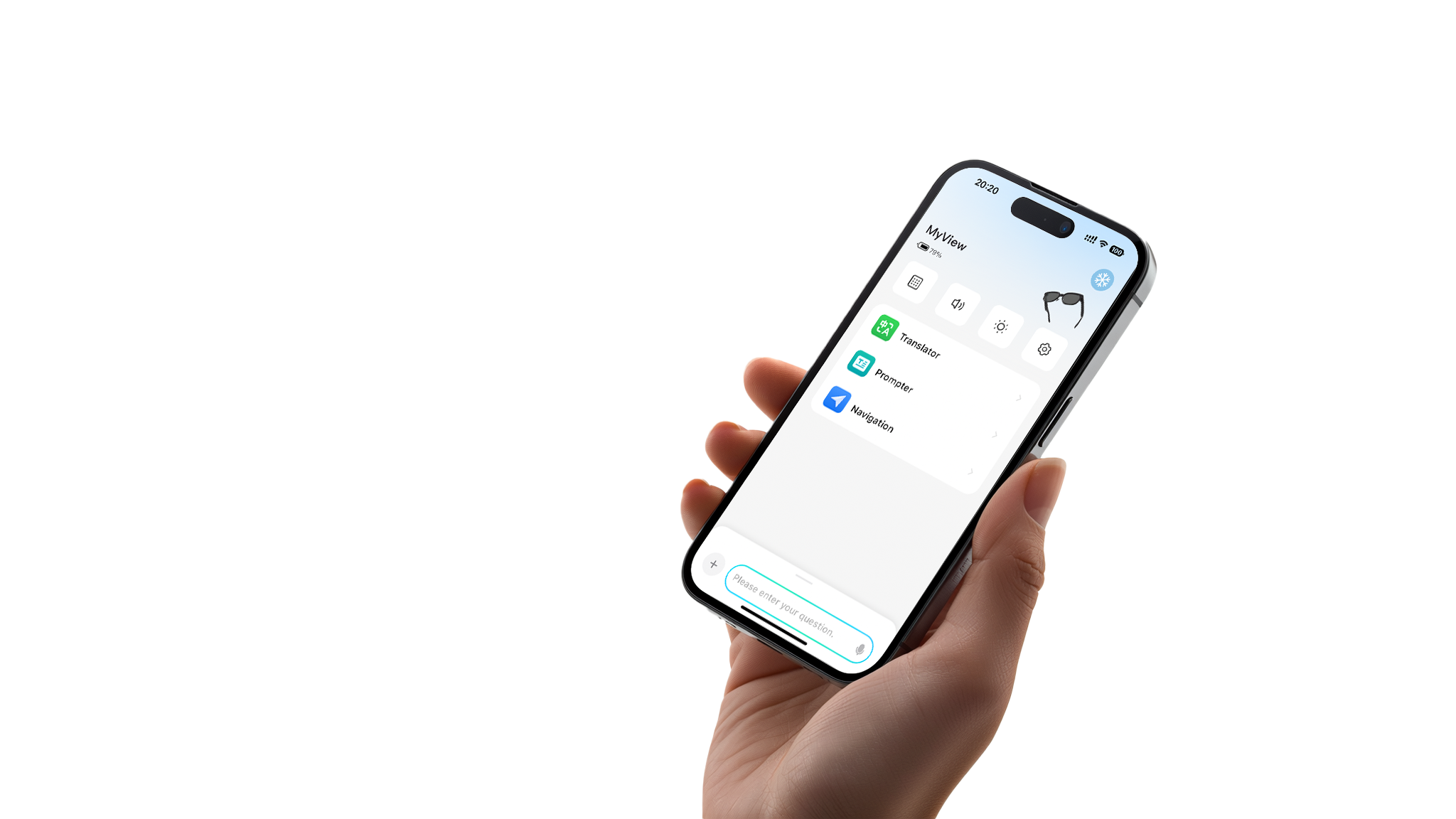
MyView Caption Glasses 2 provide real-time transcription for conversations and calls, feature Hearing Assistance Mode, and integrate with MyView Ring for fully accessible communication.

Real-Time Caption Glasses
MyView real-time caption glasses enable transcription and translation in 13 languages, making face-to-face conversations accessible and effortless for everyone.

Smarter Health Starts on Your Finger
MyView Ring tracks your wellness and pairs seamlessly with MyView glasses 2 — bringing real-time insights and smart connectivity to your everyday life.


MyView Glasses & Accessories
-

 Sale
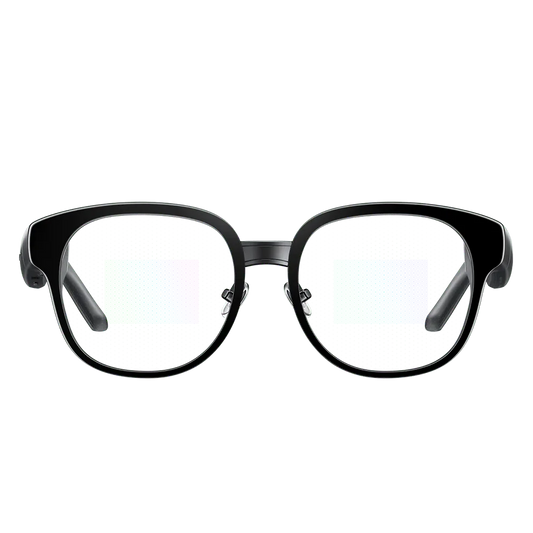
SaleMyView Glasses 2
Regular price $719.00 USDRegular price$899.00 USDSale price $719.00 USDSale -
 Sale
SaleMyView Glasses 1
Regular price $399.00 USDRegular price$599.00 USDSale price $399.00 USDSale -
MyView Ring
Regular price $299.00 USDRegular price$299.00 USDSale price $299.00 USD -
MyView 2 Prescription Lenses
Regular price From $150.00 USDRegular price$150.00 USDSale price From $150.00 USD


Experience MyView Vision
Caption Position Control
Font Size Control
Half-Screen / Full-Screen Display


Feature Highlights

Ergonomic Design
Lightweight at just 44 grams with angled temple tips for a comfortable, pressure-free fit.

Seagull-Inspired Frame
Smooth, flowing curves create an elegant frame with a subtle sense of movement.

Titanium Alloy Construction
Ultra-light titanium alloy with a precision hinge for lasting durability and everyday comfort.

Performance-Driven Design
Supercar-inspired contours create a sleek silhouette that blends technology with modern style.
New Scroll Wheel Interaction
Compared to a touchpad, it's more suitable for blind operation.


Works Seamlessly with MyView Glasses 2 and Phones


See What They See With MyView Glasses


1-Year Warranty
Enjoy peace of mind with a full 12-month warranty on your purchase.
Worldwide Shipping
Fast and reliable delivery to customers around the globe.
14-Day Trial
Try it risk-free for 14 days and experience it yourself.
Responsive Support
Our team is ready to help you quickly with any questions.